Key Project Info
Platform: Mobile
Release: TBD
Timeframe: 13 Weeks
Engine: Unity
My role: Sole Programmer
The MyBuddy App was an app developed for my capstone project and was created by a team of 4, two designers, one artist and one programmer (me).
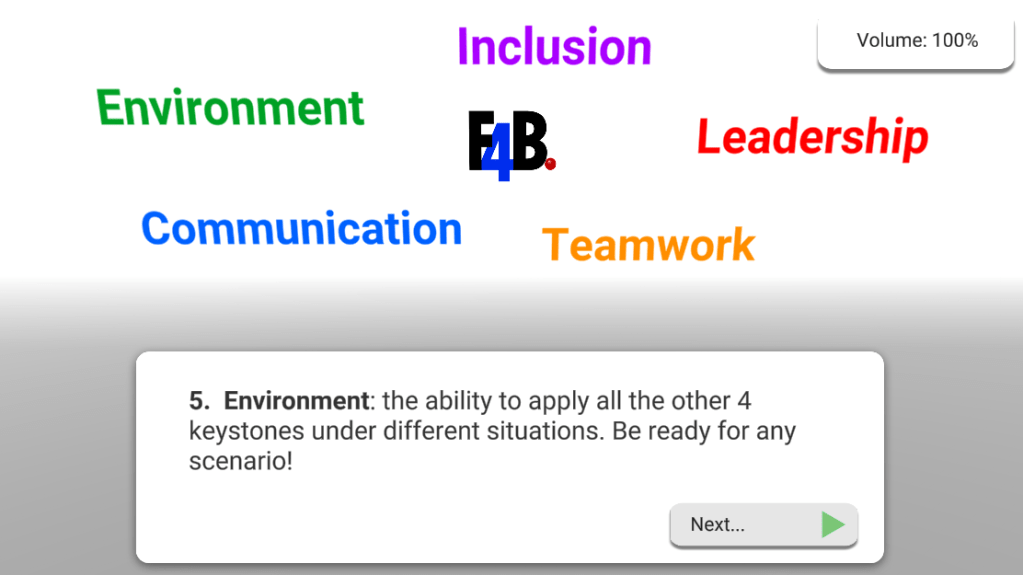
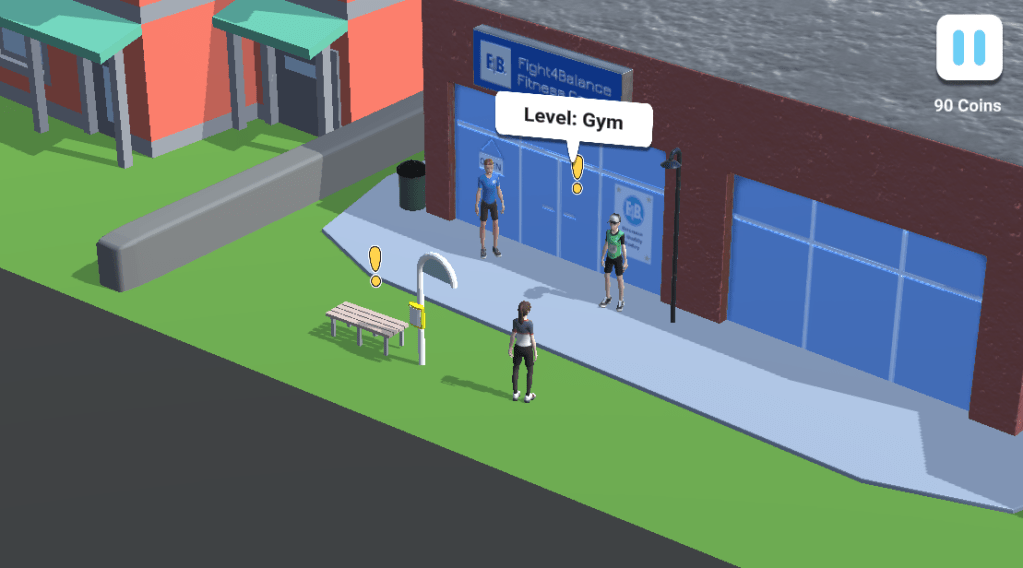
The app was created for the company called Fight4Balance, this company works with youth with intellectual disabilities. This app helps train the teenagers that assist these youth with disabilities in activities like going to the gym and the pool.
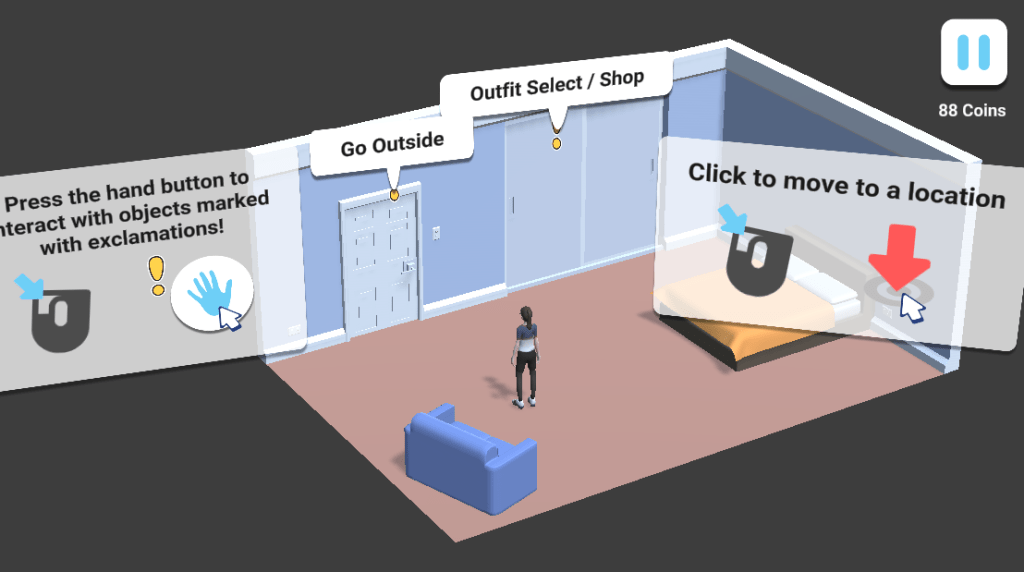
Since this was developed during my capstone. We were given last years game which consisted of the basic movement system, one level and the conversation system set up. Our buisness partners wanted us to create another level for the game as well as fix bugs and convert the game to a mobile platform from PC.
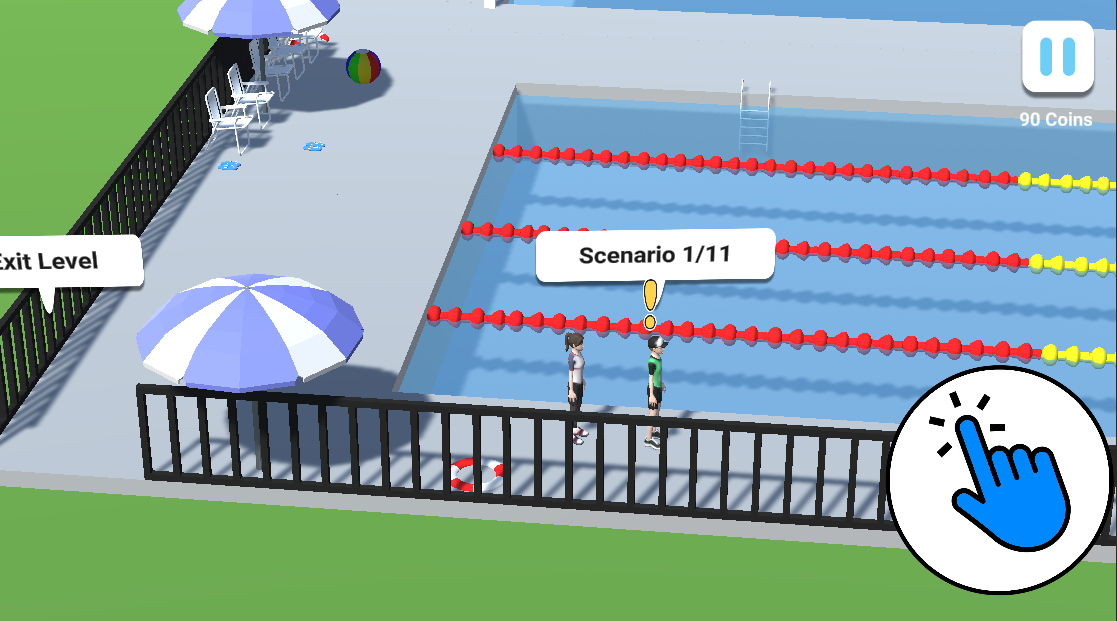
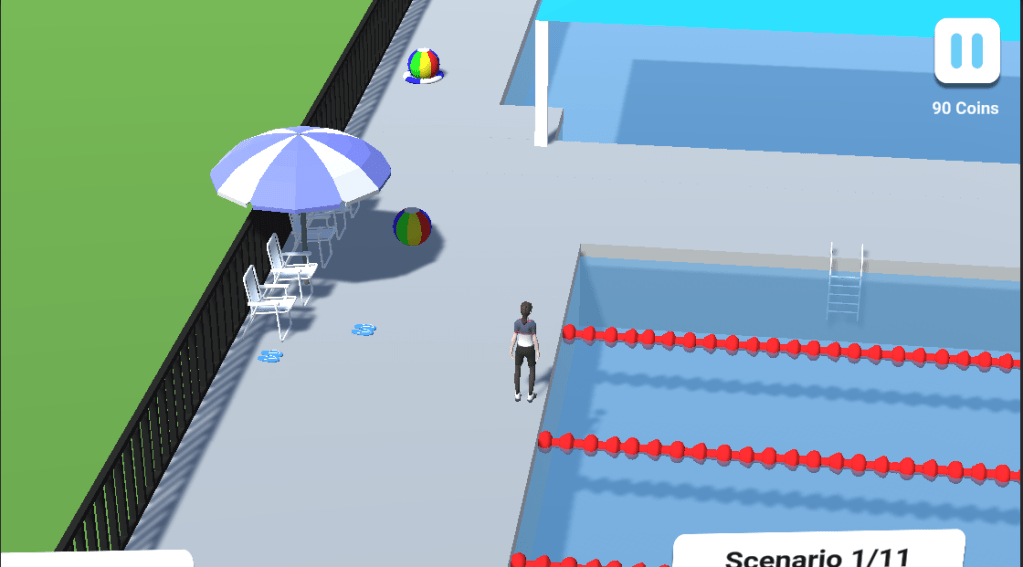
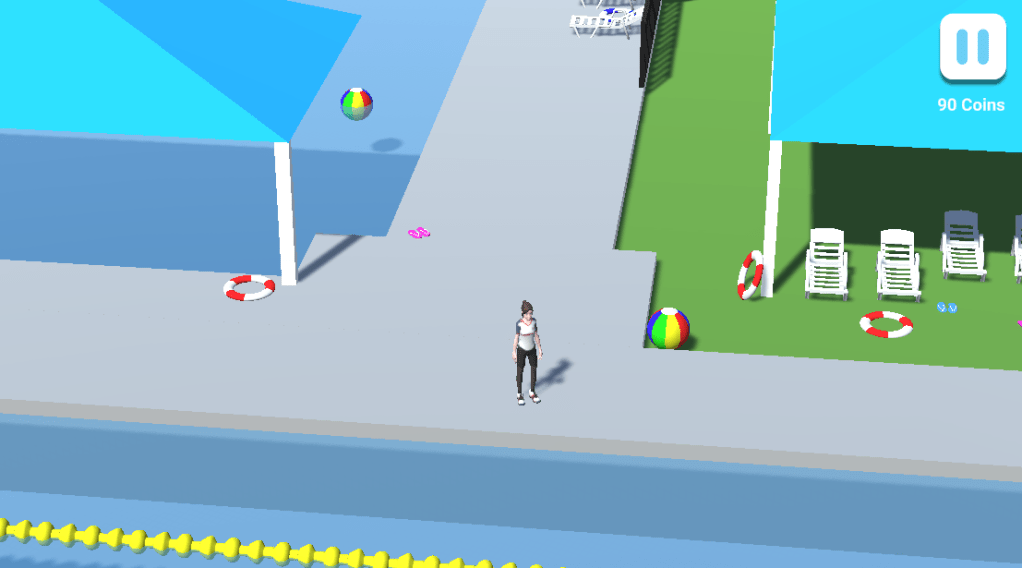
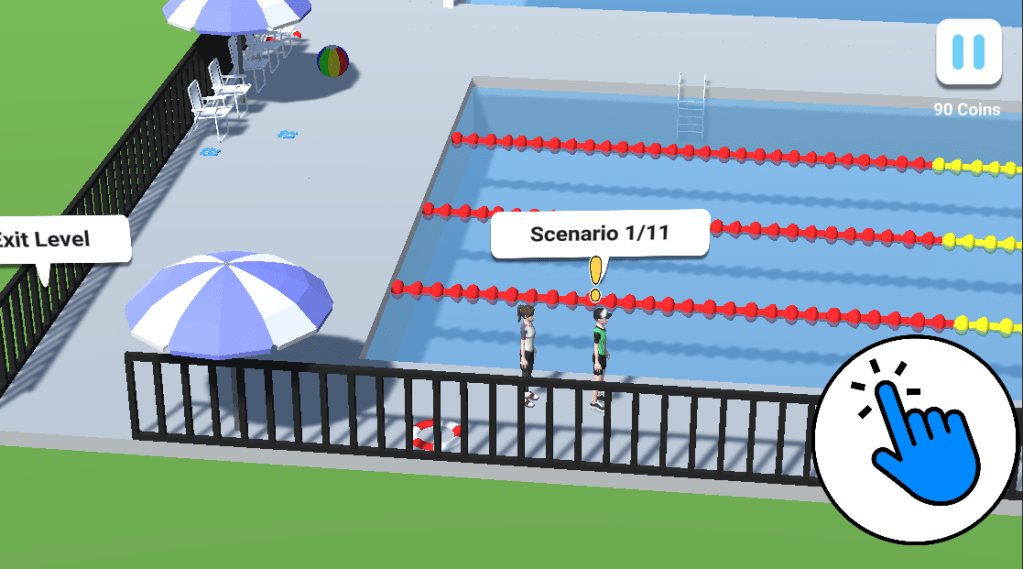
The New Level
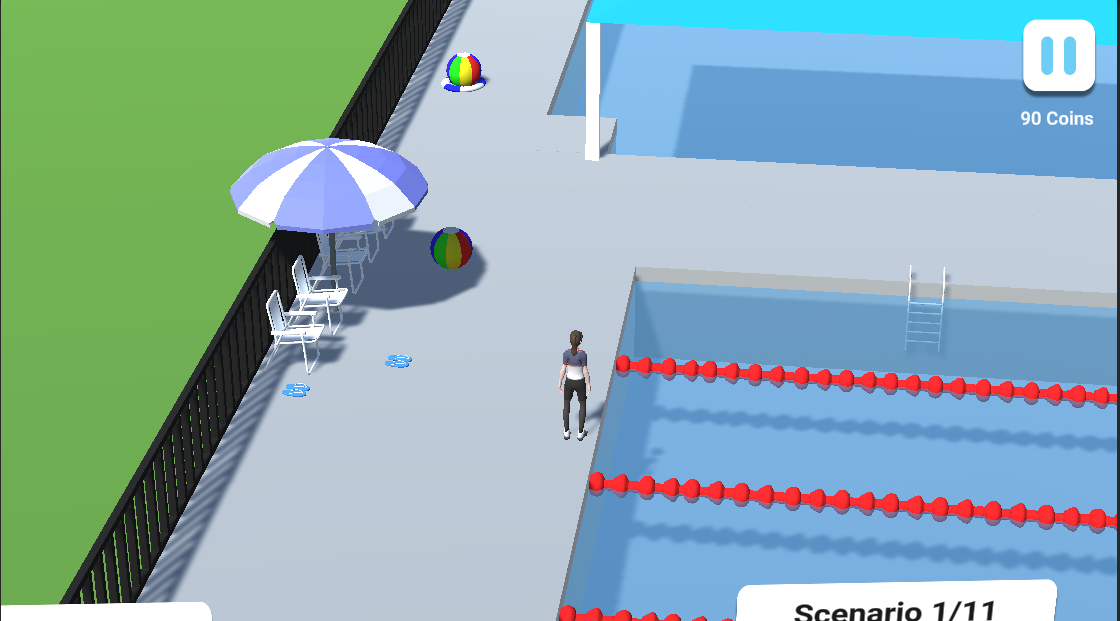
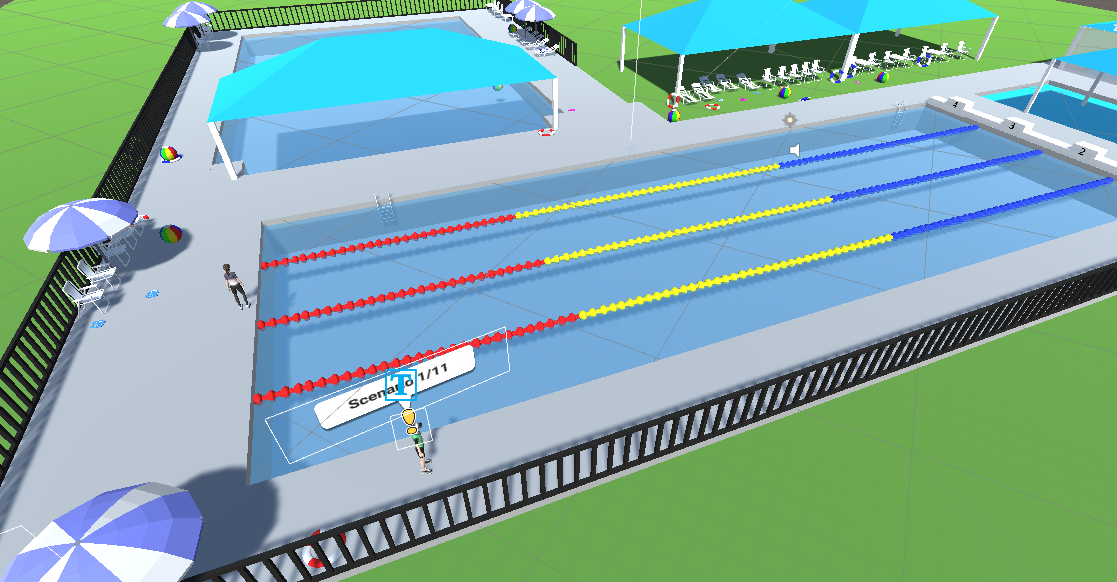
Pool
Since this was developed during my capstone. We were given last year’s game which consisted of the basic movement system, one level and the conversation system set up. Our business partners wanted us to create another level for the game as well as fix bugs and convert the game to a mobile platform from PC.
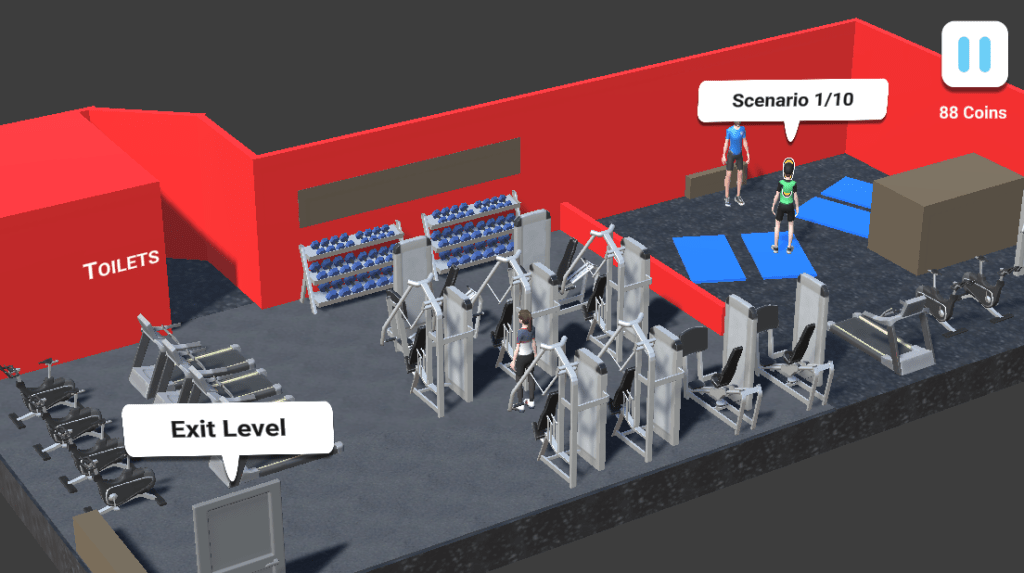
The Gym Level
Because we were moving the entire game onto mobile, we also had to optimise the gym level as well. This included deleting some of the unnecessary assets. As well as cleaning up some of the models.
Bug Fixes
The bugs that were in the previous build varied from visual bugs to bugs in code. Since the other team focused mainly on creating models for the new level, I fixed the bugs at the gym level.
The main bug that occurred was that sometimes, the Buddy would get stuck on gym equipment because the Navmesh would bug out and not know how to get around it. I fixed this by changing the NavMesh agent’s width and also by spacing out the gym equipment more. This meant the buddy no longer got stuck on equipment and you were able to continue the game.
The other bugs in the gym level consisted of small things that concerned the business partner. These were things like the characters slightly hovering and the animations not syncing correctly. These were fixed easily and allowed us to focus on our main task.
Mobile Conversion and Optimisation
The Optimisation
Being the sole programmer for this project, I was given the task of code optimisation and making sure it is mobile-ready. When we first tested the game on mobile, none of the huds was scaled correctly and it was very laggy. This was to be expected, however, because the game was built for PC to be the expected platform. This meant that I had to expand on and optimise the previous group’s code. This involved working and studying what all their current code did and working on how I could make it more efficient. Many of their functions ran continuously making checks constantly so that they could continue the story. I had to change these functions to only run checks when they needed to, this tasks optimised the mobile experience greatly.
The next thing I looked for during optimisation was functions that ran that no longer had a purpose. Ideally, during production, you remove these from the game as soon as you don’t need them. However, the previous team left a fair amount of code running that no longer needed to. After I removed these functions the game ran a lot smoother in an empty room.
Mobile Conversion


UI Conversion
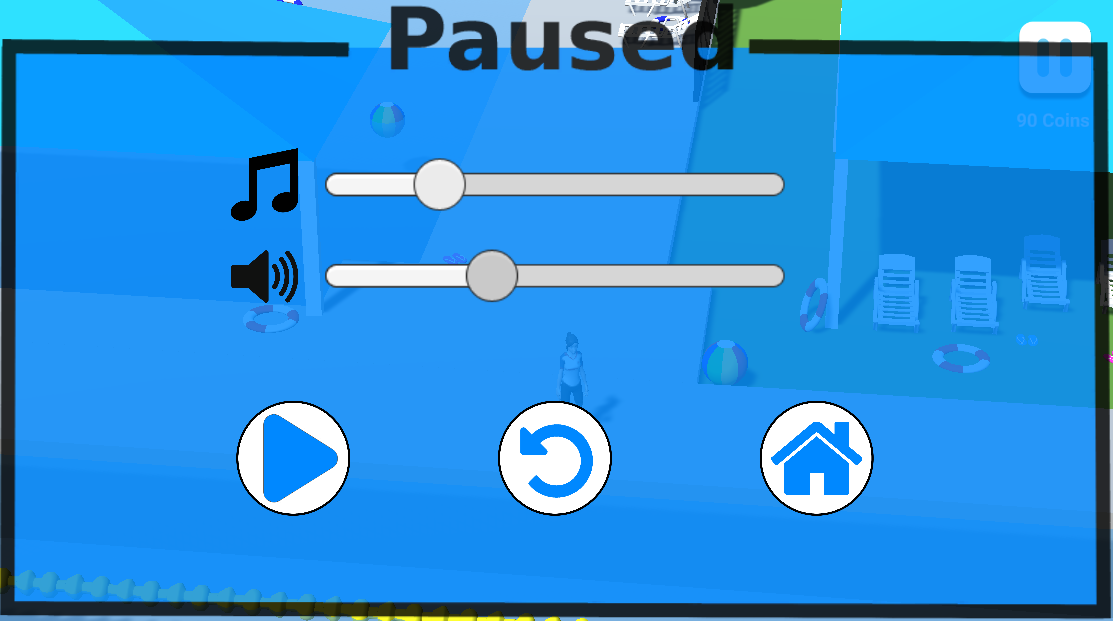
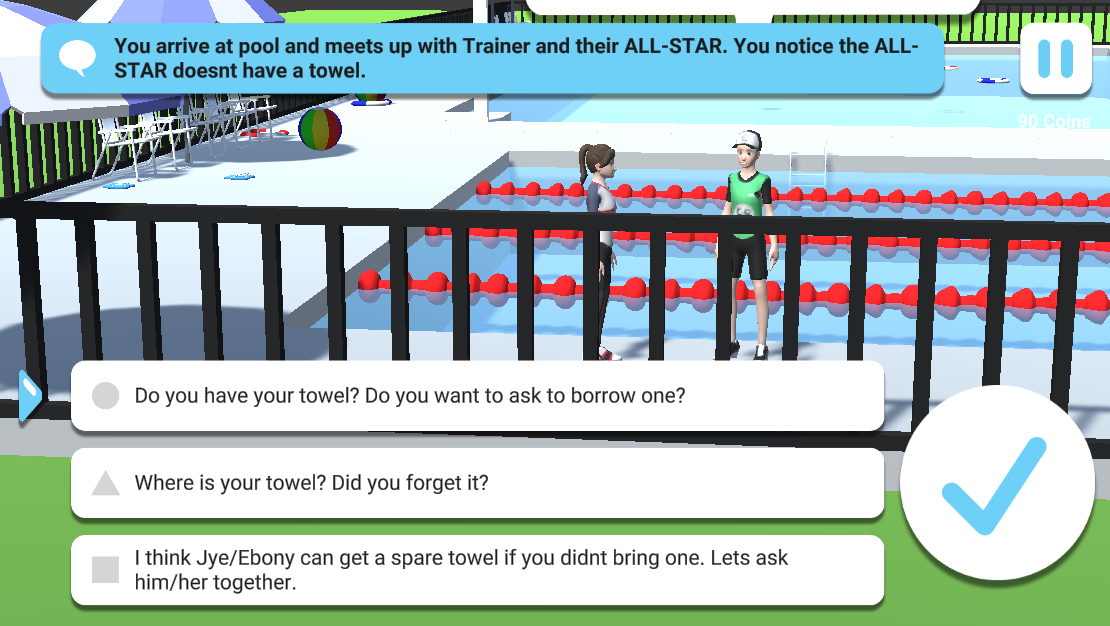
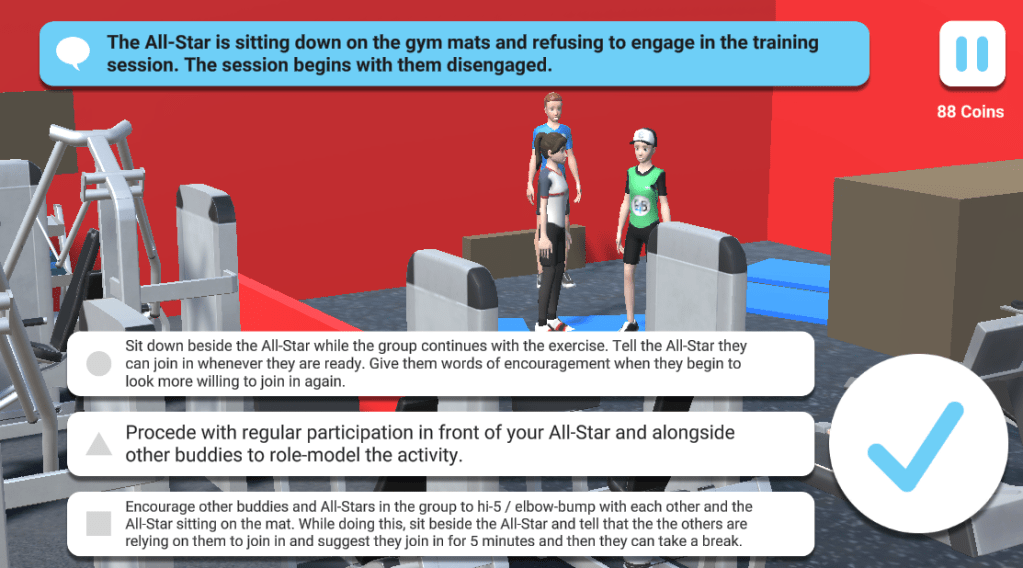
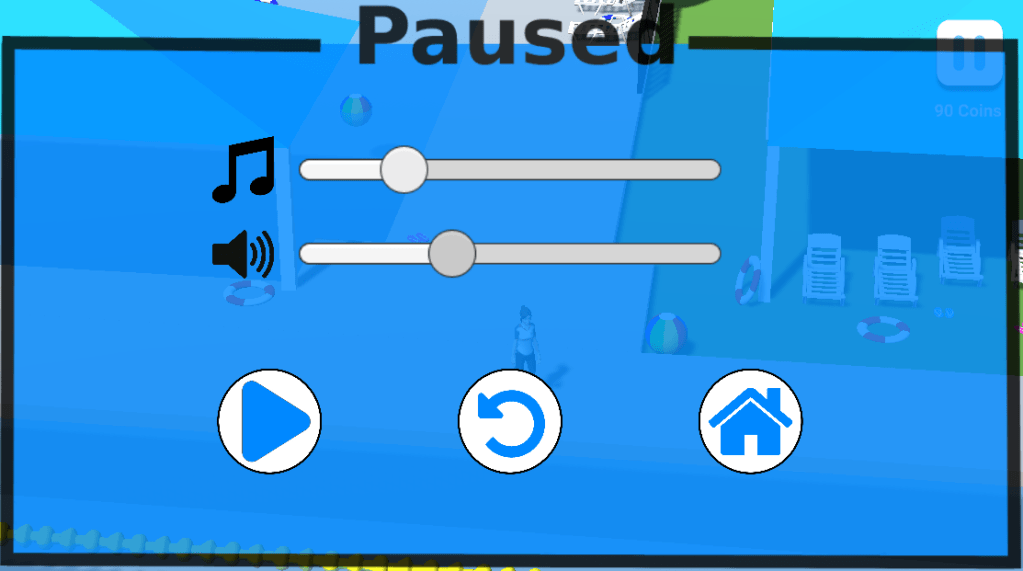
Other than optimisation, changing to a mobile included another large task. Changing the UI in the game. This included the pause menu, other pop-ups as well as scaling of the game UI. The current pause menu was quite primitive but also lacked mobile usability as it was small and needed accurate clicks.
This is why I created a new pause menu that involves a clean look during play as well as a large pause screen when paused. This allows the players to use the pause menu easily on mobile devices. I also created a new interact button that was larger and now looked like a tap instead of a click.
Since we were changing the game to a mobile experience, the business partners also wanted a way for the kids to contact the company once they completed the entire game. I then created a way using Gmail’s ability to send emails via a third party as well as C#’s System.Net library to gain access and send emails from the Gmail account at a click of a button. This meant that the end-user experience is quick and easy for the user.
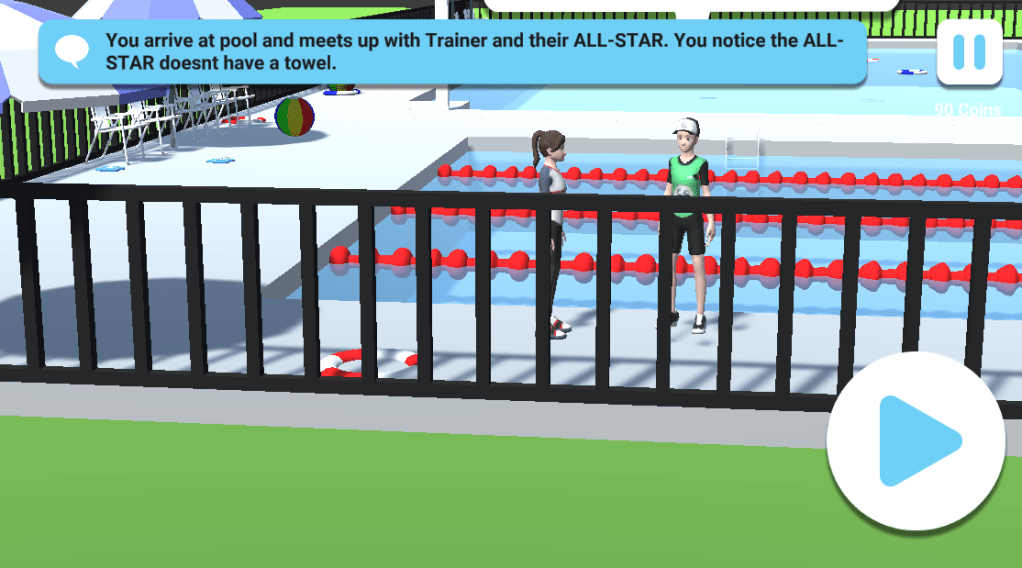
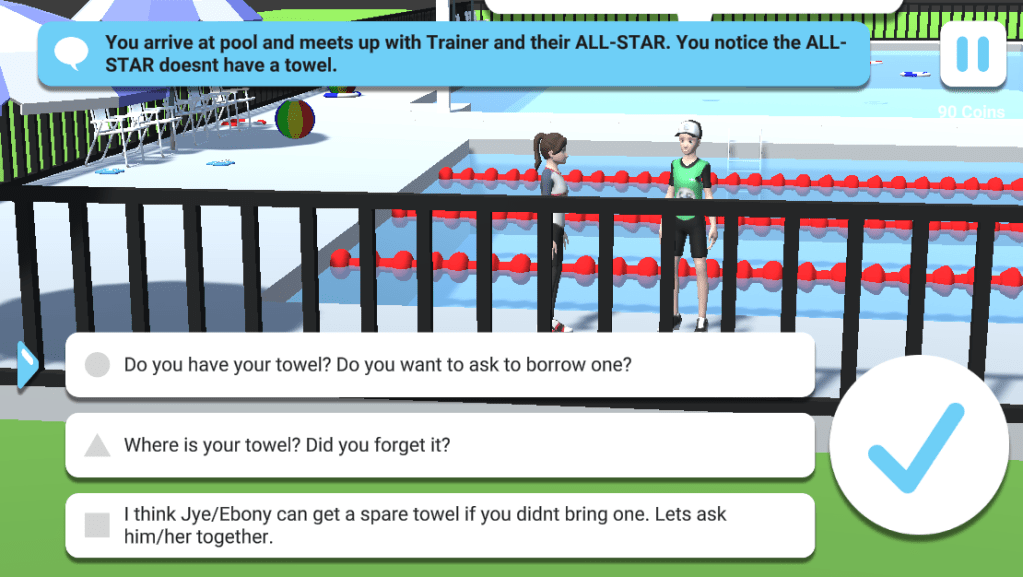
The Entire Game Experience

My Role
In the creation of the MyBuddy App, my main role for the project was programmer, because of this I was in charge of all the tasks management, lighting, optimisation, mobile conversion, Navmesh agents and other general programming needs.
- Lead Programmer
- Basic Modeller
- Animator
- NPC Navmesh and AI
- Optimisation
- Mobile Conversion
- Asynchronous level loading and lighting pre-load
- UI Manager
- Save Data System
- Emailling System
- Github
 Flynn Kassulke